Keep your delivery inspection organized
Work through a model-specific checklist, record issues and keep photos and notes together during handover. The beta supports Model 3, Model Y and Cybertruck, with manual or camera-assisted VIN entry.
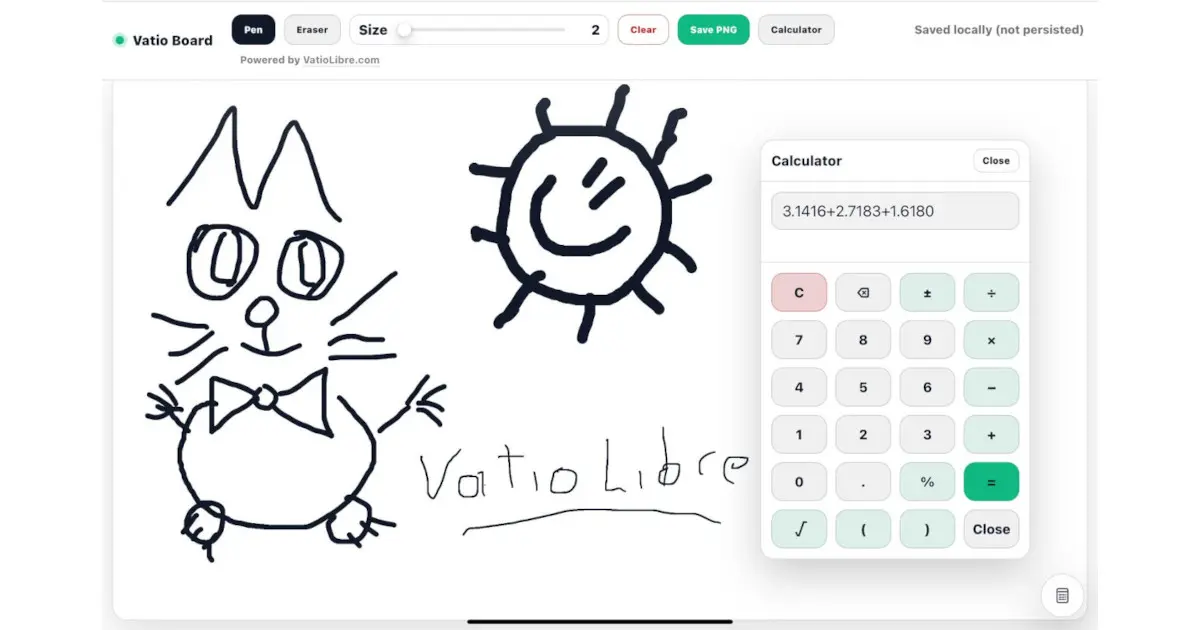
This link opens VatioBoard, the touch-first workspace where VatioLibre driving tools run.
Browser-based · No vehicle installation · Records start on this device
Before and during delivery
- Choose the supported vehicle model and create a separate inspection session.
- Enter the VIN manually or try camera/image recognition where compatible.
- Work through model-specific sections and mark inspected items.
- Attach issue notes and photos for your own record.
Beta boundaries
OCR can misread characters and must be verified manually. Checklist content can evolve and cannot cover every production variation, regional requirement or hidden defect.
Not a professional inspection
The checklist is an organizational aid, not mechanical, legal or safety certification. Follow Tesla delivery instructions and use a qualified professional when an issue requires expert judgment.
Frequently asked questions
Which vehicles are currently included?
The repository currently identifies Model 3, Model Y and Cybertruck checklist data.
Does VIN scanning upload my camera image?
The workflow is designed as a local-first browser feature. Browser camera permissions and implementation limits still apply.
Can the checklist guarantee the vehicle has no defects?
No. It cannot replace professional inspection, manufacturer guidance or a complete mechanical evaluation.
 VatioLibre