Keep your drives and records across devices
Your driving tools save to the current device first. With an active subscription, choose which supported speed recordings, acceleration runs and drawings to synchronize, then browse them alongside your private media library on another device.
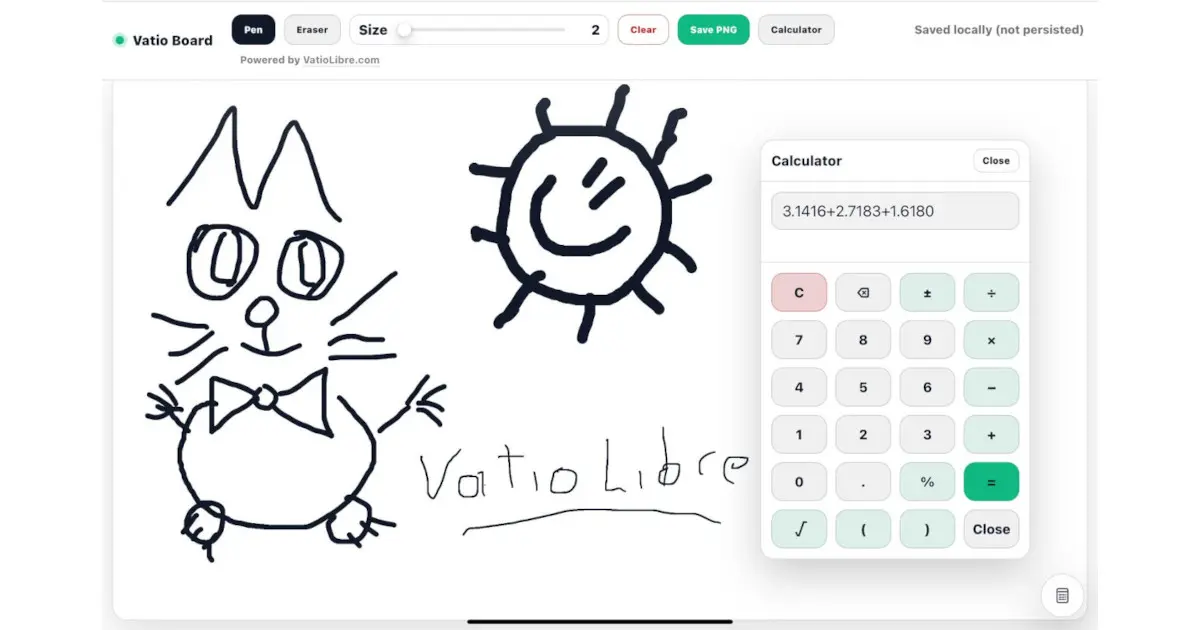
This link opens VatioBoard, the touch-first workspace where VatioLibre driving tools run.
Free to start · Local-first tools · You choose what to sync
What you can keep together
- Speed recordings with route, timing, speed summary and supported exports.
- Acceleration runs with preset, timing, quality, location and supported exports.
- Drawing records, media assets and audio used in playlists.
- Search, sorting, pagination and private item detail views where supported.
You decide what leaves the device
| State | Where it lives | What can remove access |
|---|---|---|
| Local | The current browser/device | Cleared site data, browser reset or device loss |
| Synchronized | The signed-in VatioLibre account | Deletion, account access changes or subscription/feature restrictions |
Access and privacy
Cloud synchronization, media assets and cross-device browsing require an active subscription. Records are resolved by the signed-in owner, and the beta interface can retain previously synchronized local copies for offline use.
Frequently asked questions
Does VatioLibre upload local tool data automatically?
No. Core driving-tool behavior is local first. Synchronization occurs only through the cloud workflow when the user is signed in, eligible and requests it.
What export formats are supported?
The VatioLibre recording library implements formats including CSV, GeoJSON, KML and XLSX for supported speed or acceleration records.
Does cancelling delete synchronized records immediately?
No. Cancellation and deletion are separate; cancelling access does not itself delete synchronized records.
 VatioLibre